How to adapt one post for Instagram, LinkedIn and X
The same news reads differently on Instagram, LinkedIn and X, and each network has its own limits. This is how to write it once, give each network the version it needs, and publish them together without copying and pasting.
The short answer
Write the post once in SPREVA and pick every account it goes to. The main text is the default; give any account its own caption, title, link or files, or ask the AI to shorten it for X or make it fit LinkedIn. SPREVA checks each version against that network's rules while you write, and they all go out together, now, on a date or through a queue.
What changes from one network to the next
Length is only the start:
| Network | Text limit | What works |
|---|---|---|
| 2,200 characters | The picture first; hashtags in the first comment | |
| 3,000 characters | A longer, first-person take with the context | |
| X | 280 weighted characters, or a thread | One sharp line and the link |
| Bluesky | 300 characters | Short and conversational |
| Threads | 500 characters | Casual, like a reply |
Step by step
- 1
Write the main text in the composer and attach the photo or video.
- 2
Pick the accounts: Instagram, LinkedIn, X, Bluesky and Threads, or any of the 31 networks.
- 3
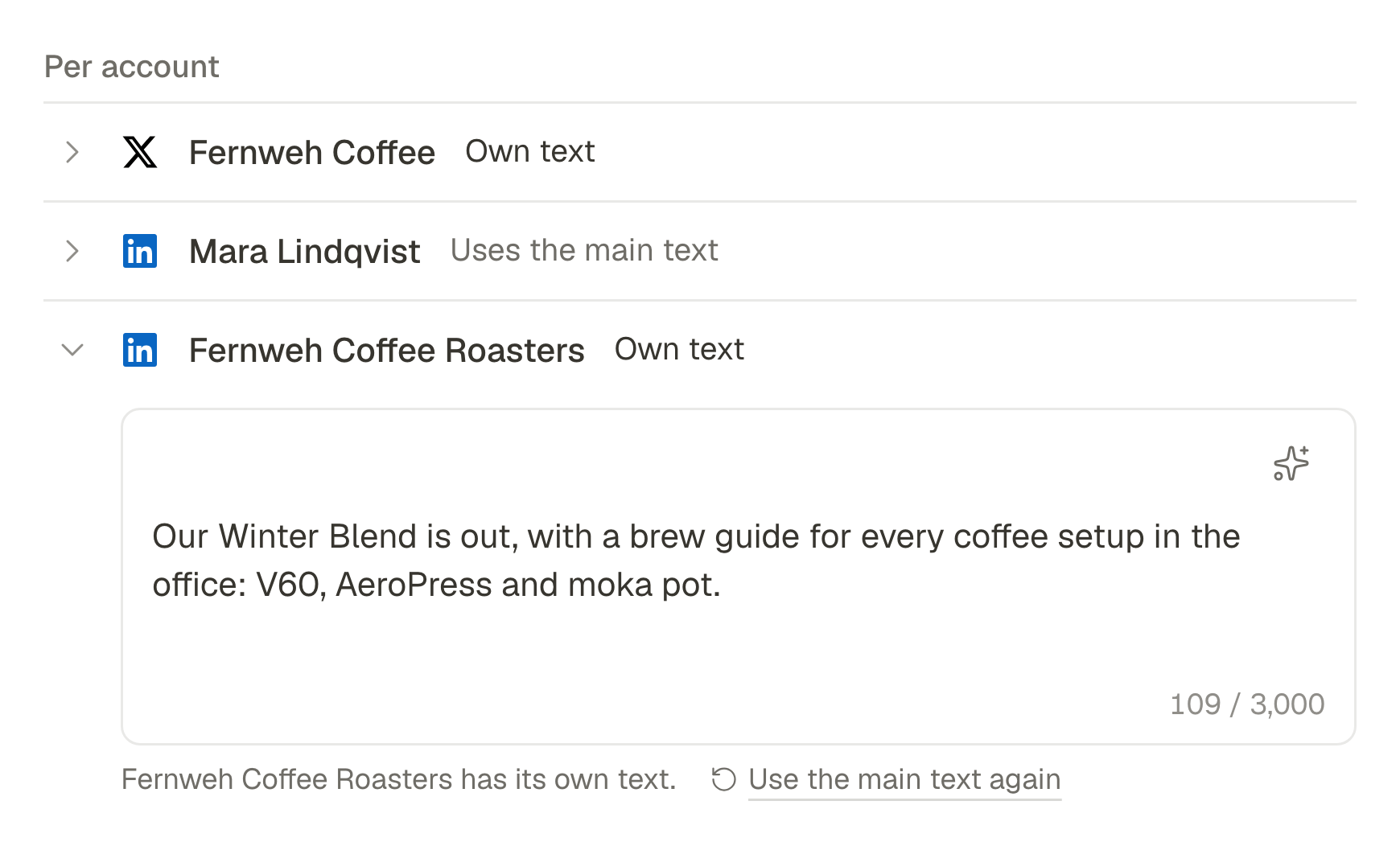
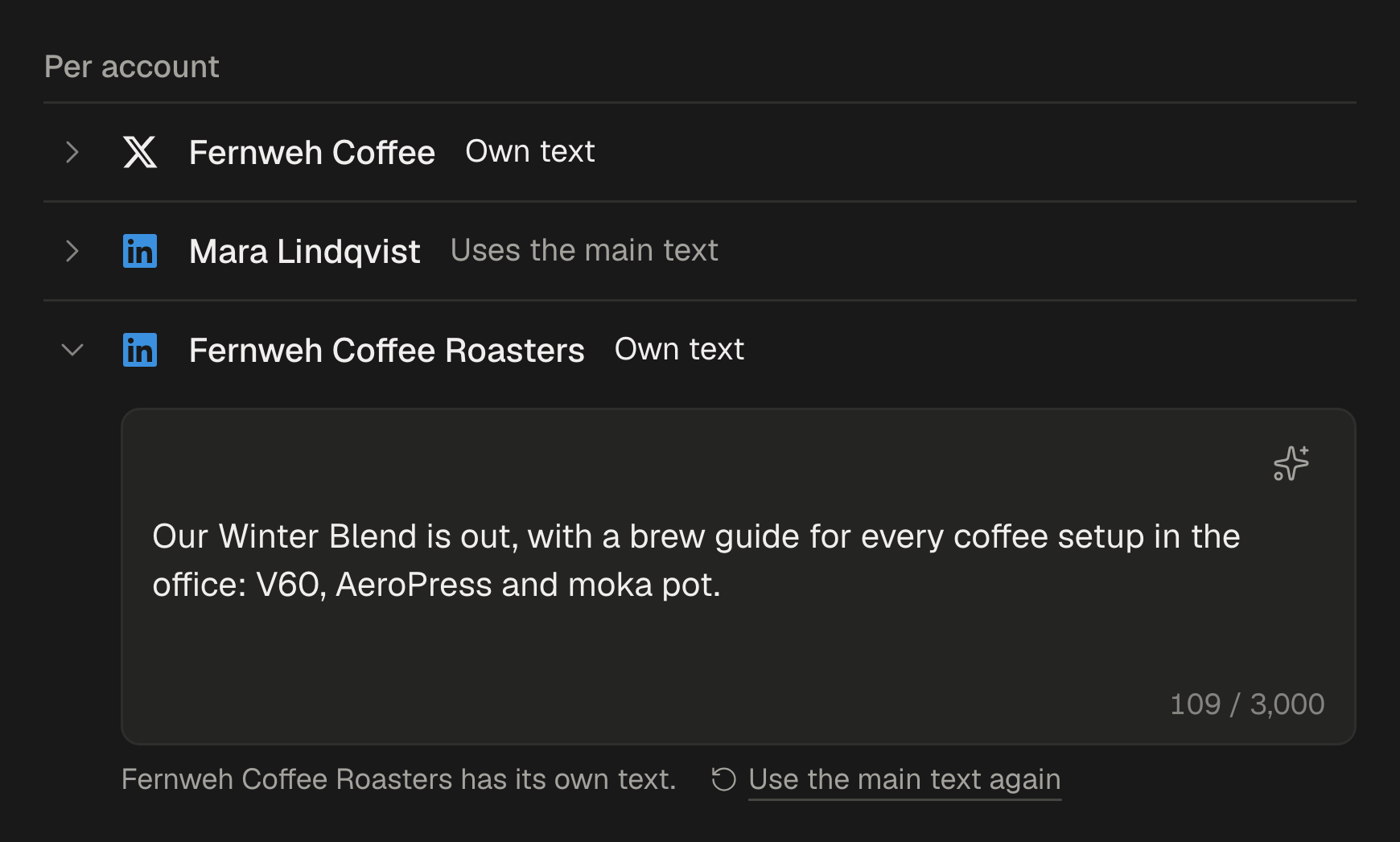
Give an account its own version where it needs one: a longer caption for LinkedIn, a single line for X, a title for YouTube.
- 4
Or ask the assistant to adapt the caption to one account's limit, change the tone, translate it or suggest the first comment. It offers a few versions and you add the one you want.
- 5
Publish now, pick a date or add it to a queue. Each account gets its own version.
Checked before it goes out
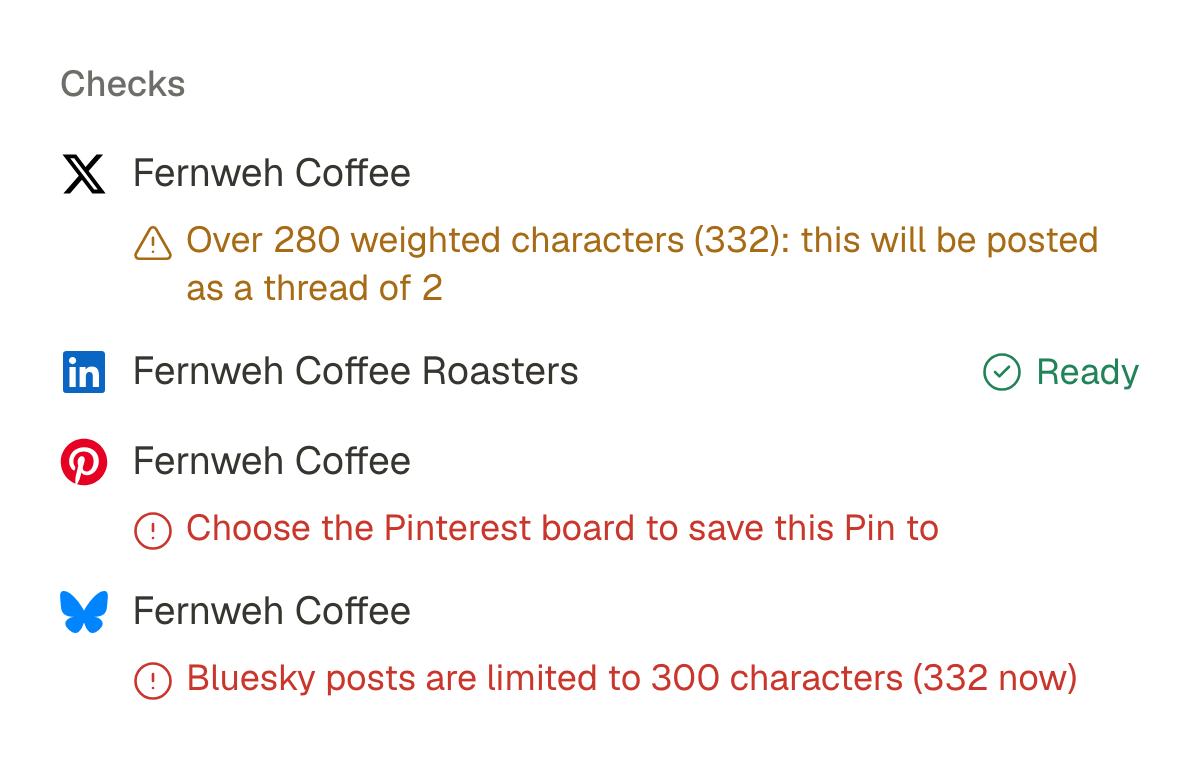
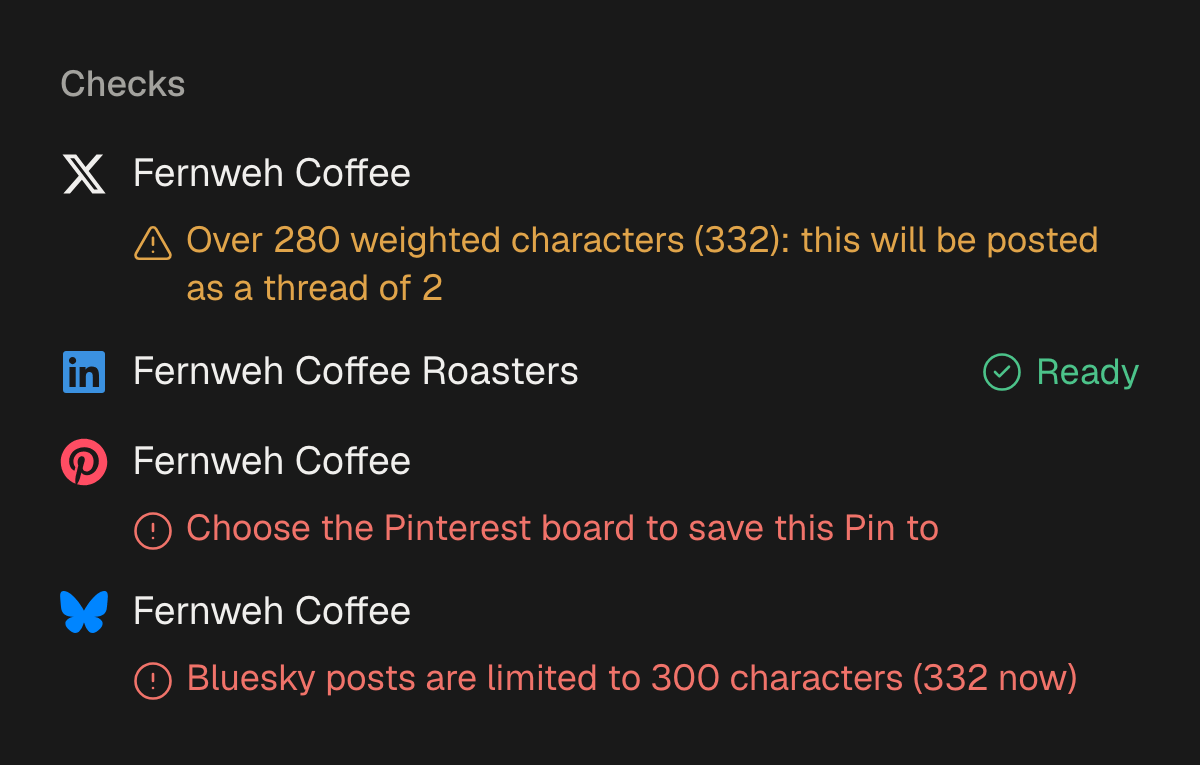
Each network's rules are checked while you write, when you schedule and again right before the post is sent:
- Text over X's limit becomes a thread, and SPREVA tells you how many parts.
- A Bluesky post over 300 characters, a missing Pinterest board or too many photos is flagged in the editor.
- If one account fails when the post goes out, the others keep it and you retry only that one.
From your AI agent
Connected to SPREVA, your agent writes the versions for you:
Announce the Winter Blend for Friday at 9 on Instagram, LinkedIn, X and Bluesky. Keep X to one line with the link, make LinkedIn a longer story about the roast, and put the hashtags in Instagram's first comment.
It writes one post with a version per account, and SPREVA checks each version against that network's rules before it is saved. What else an agent can do.
Questions
Can I post the same text everywhere?
Yes. The main text goes to every account that has no version of its own. SPREVA still checks it against each network's limits.
What happens when a post is too long for X?
SPREVA splits it into a thread and tells you how many parts before it goes out. Up to 25 parts.
Can each network get different images?
Yes. An account's own version can have its own files, such as a square picture for Instagram and a wide one for LinkedIn.
What if one network refuses the post?
The other accounts keep it. The one that failed shows the network's own reason, and you retry only that one.
Which plan do I need?
Every plan: Starter includes the composer, versions per account, the assistant and queues. Every plan starts with a 7-day trial.
Keep reading
- How to turn photos into a Reel with a voice-over and captionsTurn a few photos into a vertical Reel with an AI voice-over and captions timed to every word, change it by asking, and schedule it to Instagram, TikTok and YouTube Shorts. Step by step, in the app or from ChatGPT or Claude.
- Social media for AI agents: what your agent needsWhat an AI agent like Claude or ChatGPT needs to make, schedule and publish your social media: access without your passwords, each network's rules, media, video, your approval and the results. With a checklist to judge any tool.
- How to cut a podcast or a stream into clips for TikTok and ShortsTurn one podcast episode or stream into up to 10 vertical clips with captions: find the moments worth sharing, cut on whole sentences, lay out the cameras, and schedule the clips to TikTok, YouTube Shorts, Reels and LinkedIn.