Your photos, turned into a week of posts.
Take the photos you already have of your shop, your food or your work, and SPREVA turns them into Reels, posters and posts, then publishes them on Instagram, Facebook, Google Business Profile and TikTok while you run the business.
From your phone's photos to a week of posts
No editing skills, no agency. You choose the photos and say what you want.
Add your photos
Upload the photos and short clips you already have: the dish of the day, the new stock, the finished job. SPREVA describes each one so you can find it later by what it shows.
Say what you want
Ask for a 20 second Reel about Saturday's opening hours, or a poster with “Back in stock” on it. SPREVA makes a first version, and you change it by asking or by hand.
Post it everywhere
Write the post once, adjust it for any network, and publish now, on a date or through a queue that keeps your week full.
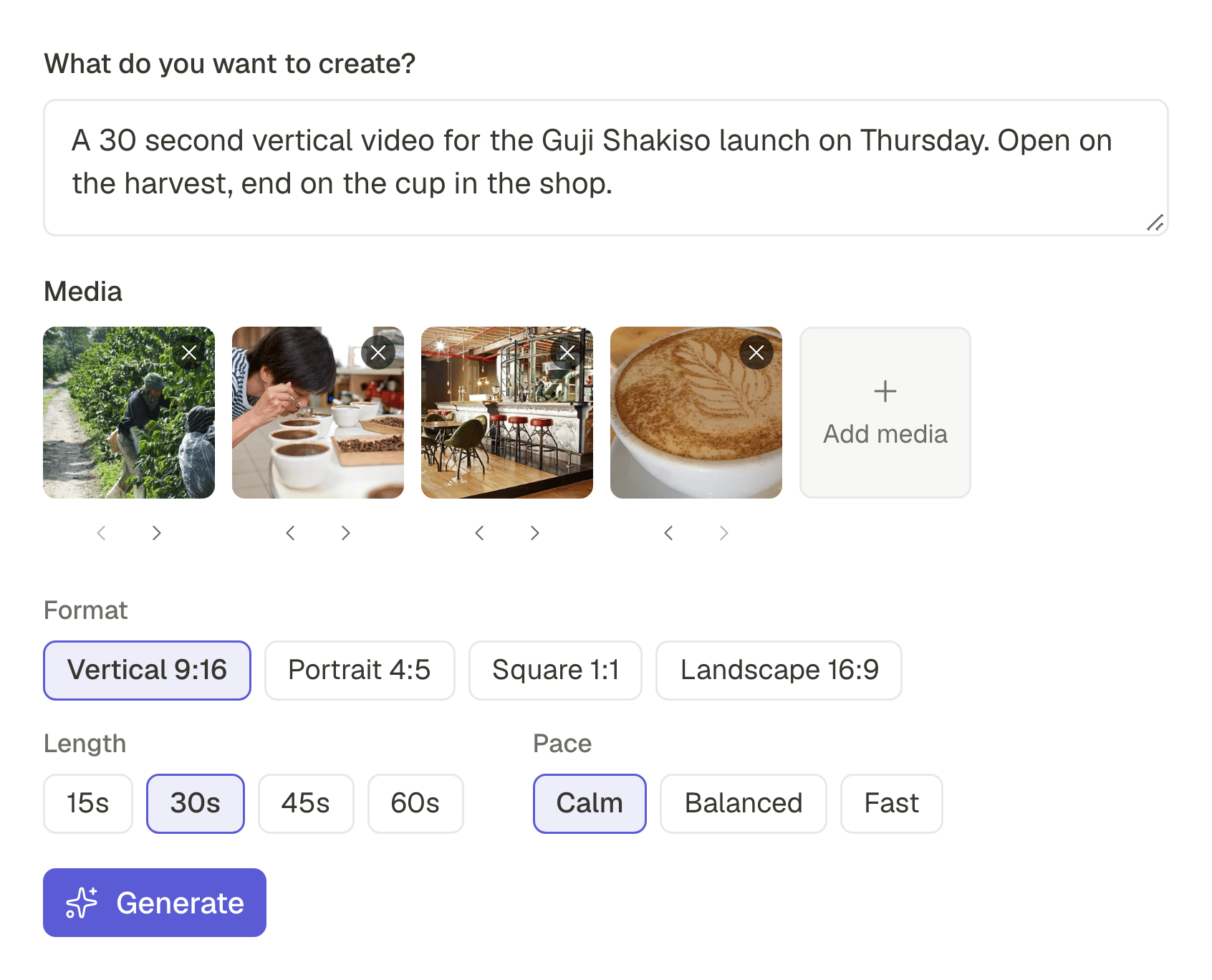
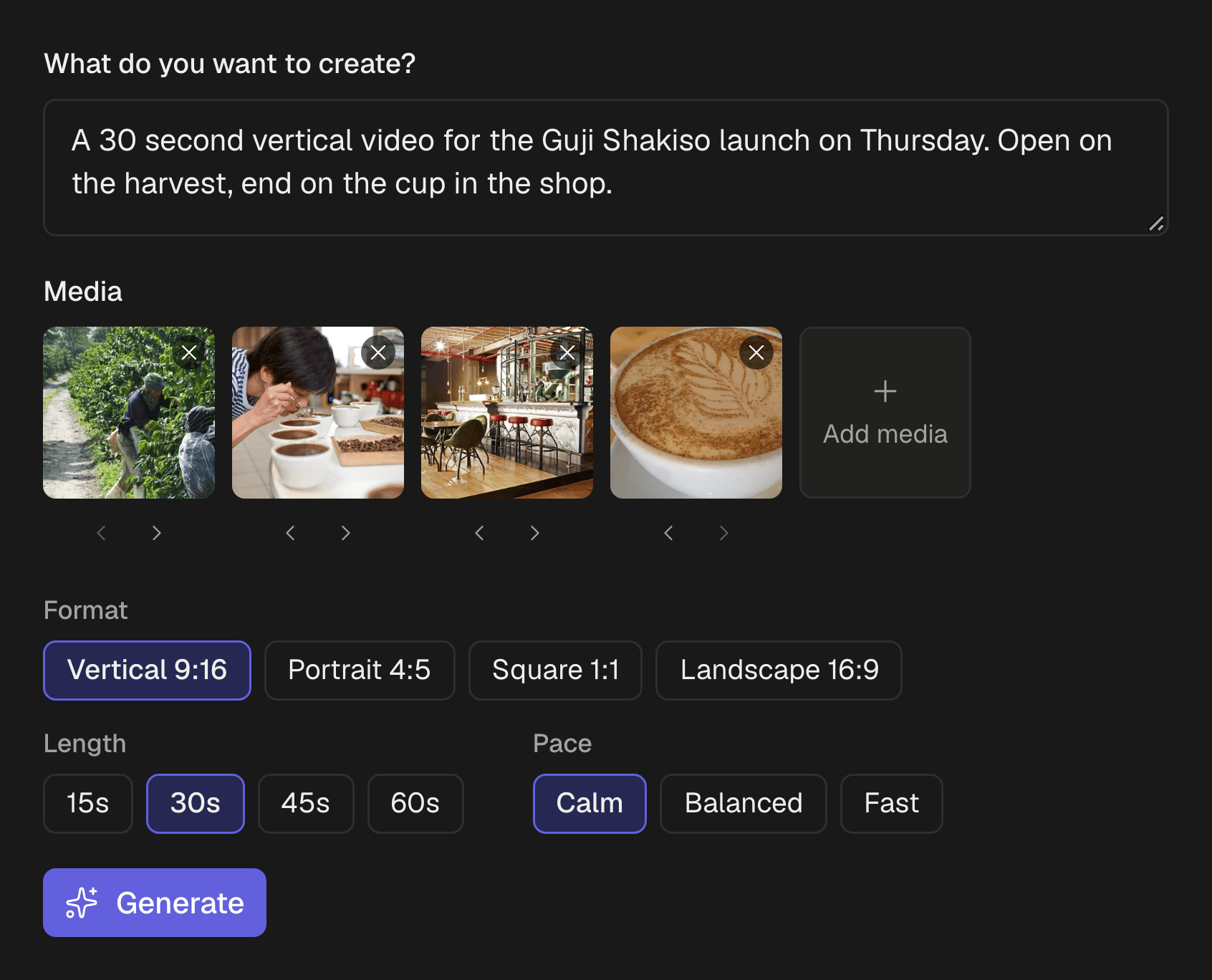
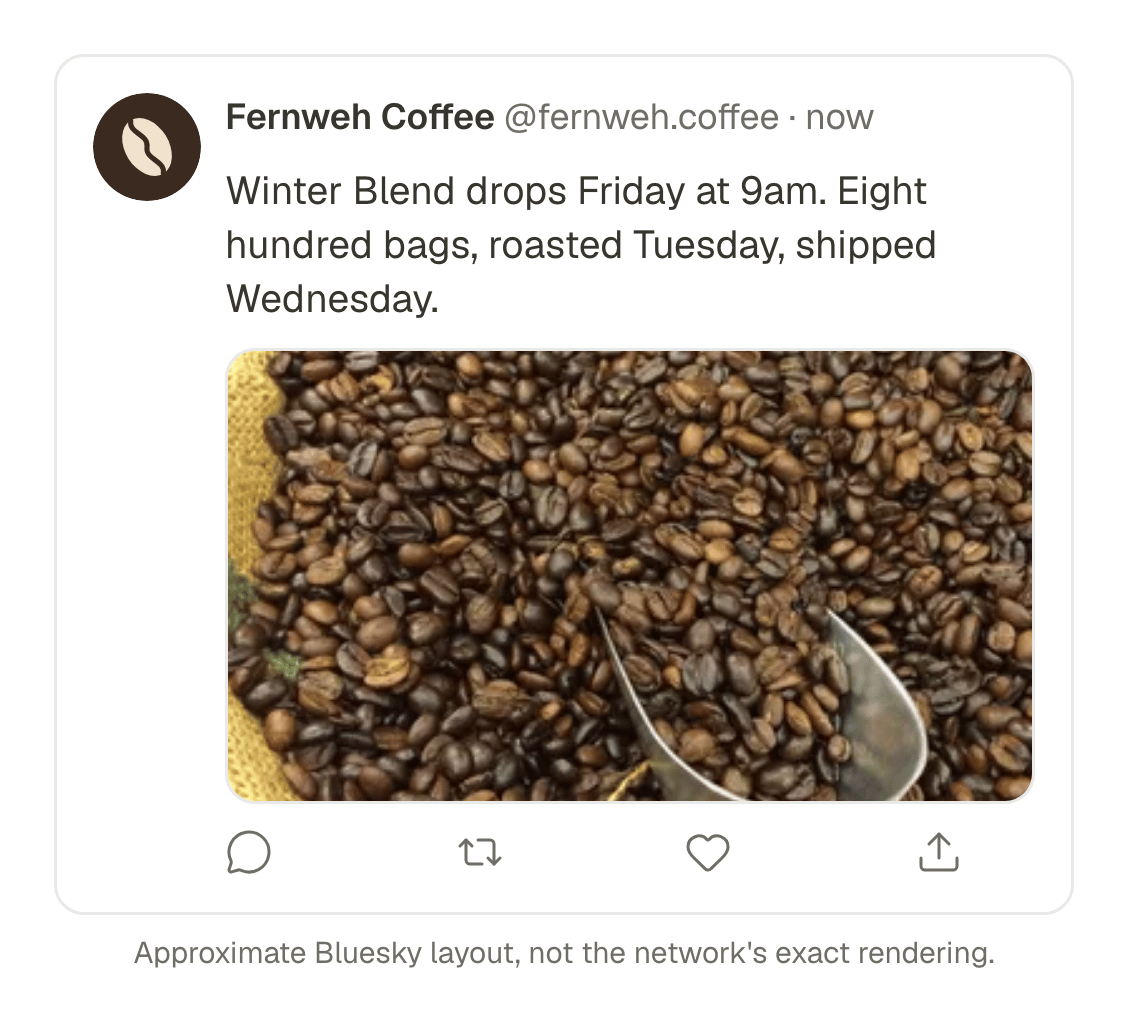
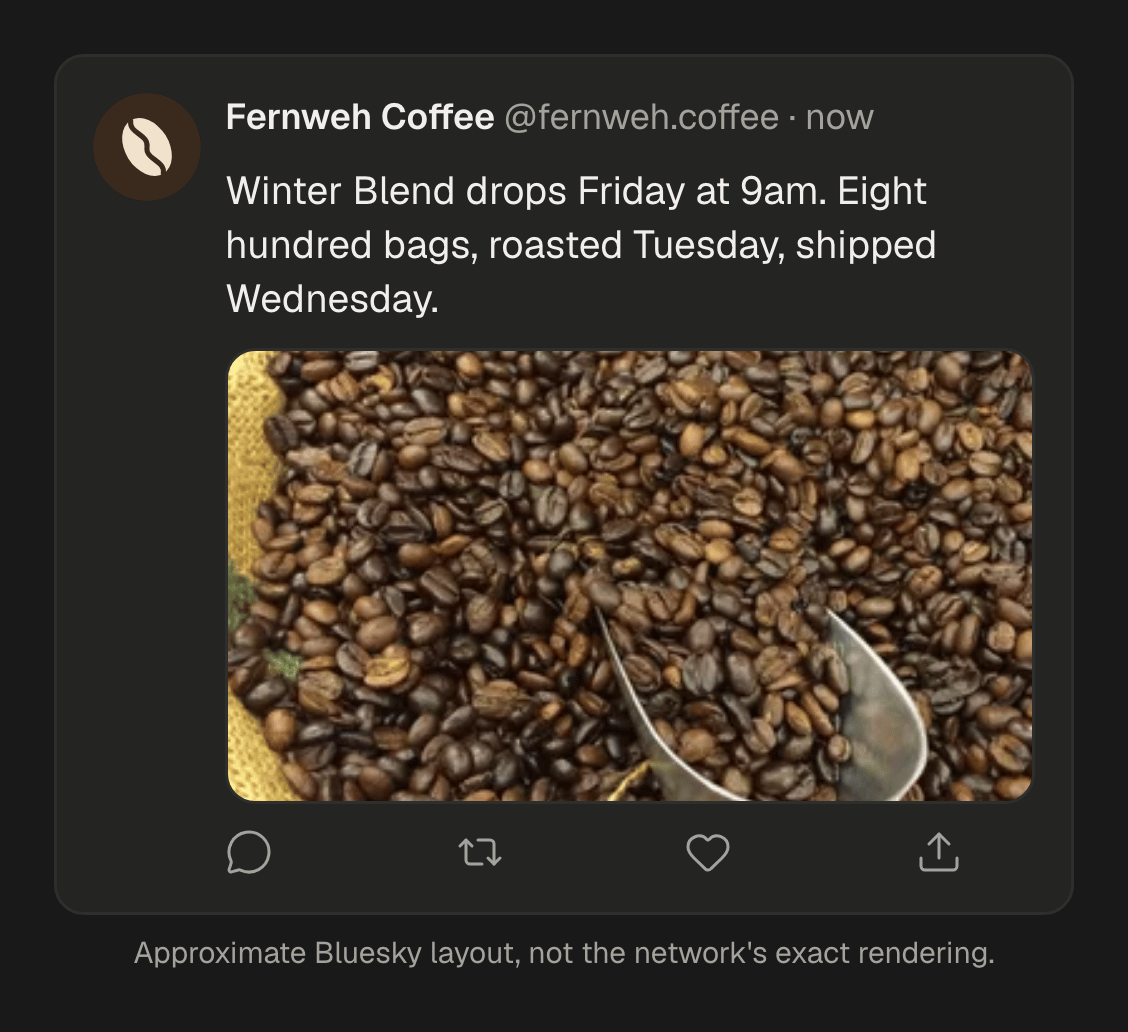
Made for a business of one, or a few
Your photos as a Reel
Choose a few photos, say what the video is for, and get a vertical video with pictures, captions and a voice or music. It opens in Studio, so any change keeps the rest.
Posters from a photo
Ask for a poster from one of your photos: warmer light, your headline on it, two versions to choose from.
One post, every network
Write it once and give Instagram, Facebook or LinkedIn its own text if it needs one. Each network's rules are checked before it goes out.
Google Business Profile too
Post updates with a photo and a Learn more button to your Business Profile, for one location or all of them, from the same editor.
Captions written with you
Ask for a caption from a line of notes, a shorter one for X, hashtags, or a translation for your visitors.
Your look on every video
Save your colours, font and logo once, and Studio's templates use them, with your own intro and outro.
A full week without thinking about it
Set the days and times you like to post, drop posts into the queue, and they go out one by one in your time zone.
Or just ask your AI agent
Already use ChatGPT, Claude or Gemini? Connect it to SPREVA and ask it for the week's posts in the chat. SPREVA shows you anything before it goes out.
Posting everywhere, with AI for captions and images, works on every plan. Videos from your photos come with Pro and Business. Compare the plans
Where your customers are
Instagram and Facebook for your regulars, Google Business Profile for people nearby, TikTok and Threads to be found, and LinkedIn, Pinterest or X when they fit. 31 networks in all.
Questions
Do I need to know how to edit video?
No. Choose photos, say what the video is for, and SPREVA makes the first cut with captions and a voice or music. Change it by asking in plain words, or open it on the timeline if you want to.
Can I use photos from my phone?
Yes: JPEG, PNG, WebP, AVIF and GIF, and videos up to 1 GB. HEIC photos are not accepted yet, so share them from your phone as JPEG.
Can SPREVA post to my Google Business Profile?
Yes. Updates with one photo and a Learn more button, to one location or several at once. Google does not take video on updates, and SPREVA tells you before you publish.
Can SPREVA answer reviews, comments or messages?
No. SPREVA makes, schedules, publishes and reports. Replies to reviews, comments and messages stay in each network's own app.
Can someone help me run it?
Yes. Invite them into your workspace with a role: someone can write drafts without being able to publish, or only look at the results.
Which plan do I need?
Starter posts everywhere, with AI for captions and images. Turning your photos into videos comes with Pro and Business. Every plan starts with a 7-day trial.
SPREVA for other work
- ClippersTen clips with captions from one long video.
- StreamersYour stream as clips on every short-video network.
- YouTubersUploads, Shorts and new videos from a script.
- Video editorsA full timeline, and the posting done for you.
- PhotographersWhole shoots, posted as carousels on schedule.
- PodcastersA week of clips from every episode.
- AgenciesA workspace, a calendar and roles per client.