Your agent, now a video studio.
Connect Claude, ChatGPT, Gemini or any agent that speaks MCP. It makes the video, takes your changes and publishes the result, and SPREVA asks before anything public or costly.
Five photos, one video, two changes, scheduled.
A whole production in one conversation with your AI agent. What it makes is a Studio project, so a change keeps everything else as it was.
In Claude, ChatGPT or Gemini
Ask for a video. Then ask for changes.







01Hand it over
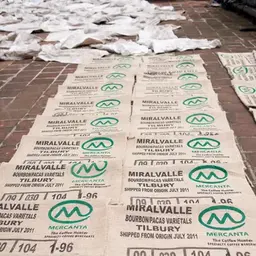
Five photos from the roastery and one line: a 30 second vertical video for Thursday's launch.
02Get a first cut
Your agent writes the script and SPREVA voices it. The photos and captions land on the words they belong to, and the cut is checked before it is exported.
03Ask for two changes
A shorter opening and a different photo in the second scene. The voice, the captions and the other scenes stay as they were.
04Approve it
Say it is good, and it is scheduled for Thursday at 9:00 on Instagram, TikTok and YouTube, each in its own format.
Everything a production needs, as tools your agent can call.
SPREVA gives your agent 18 tools. They take names and links, the way you would say them, never ids.
Make
create_videoCreate a Studio video
narrate_videoNarrate a Studio video
generate_imageGenerate an image
Edit and check
edit_videoChange a Studio video
preview_videoSee a Studio video's frames
review_videoReview a Studio video
render_videoExport a Studio video
Publish
save_postCreate or edit a post
publish_postPublish a post now
save_campaignCreate or edit a campaign
save_queueCreate or edit a queue
delete_postDelete a post
Library and results
overviewWorkspace overview
searchSearch the workspace
fetchRead one thing in full
import_mediaImport a file into the library
update_mediaRename, tag, file or describe a library file
analyticsHow posts performed
What your agent makes stays a project, not a file.
Scenes it can name
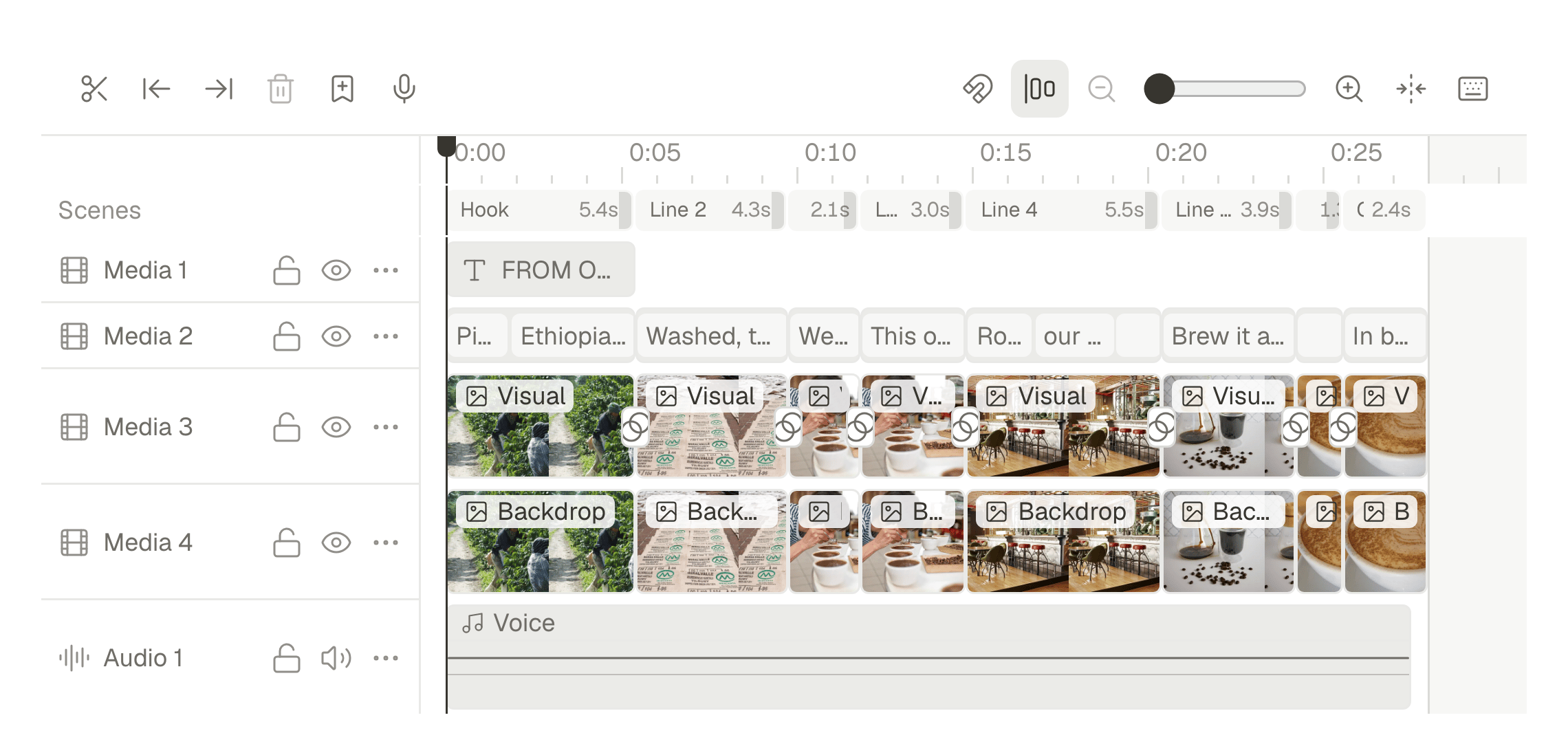
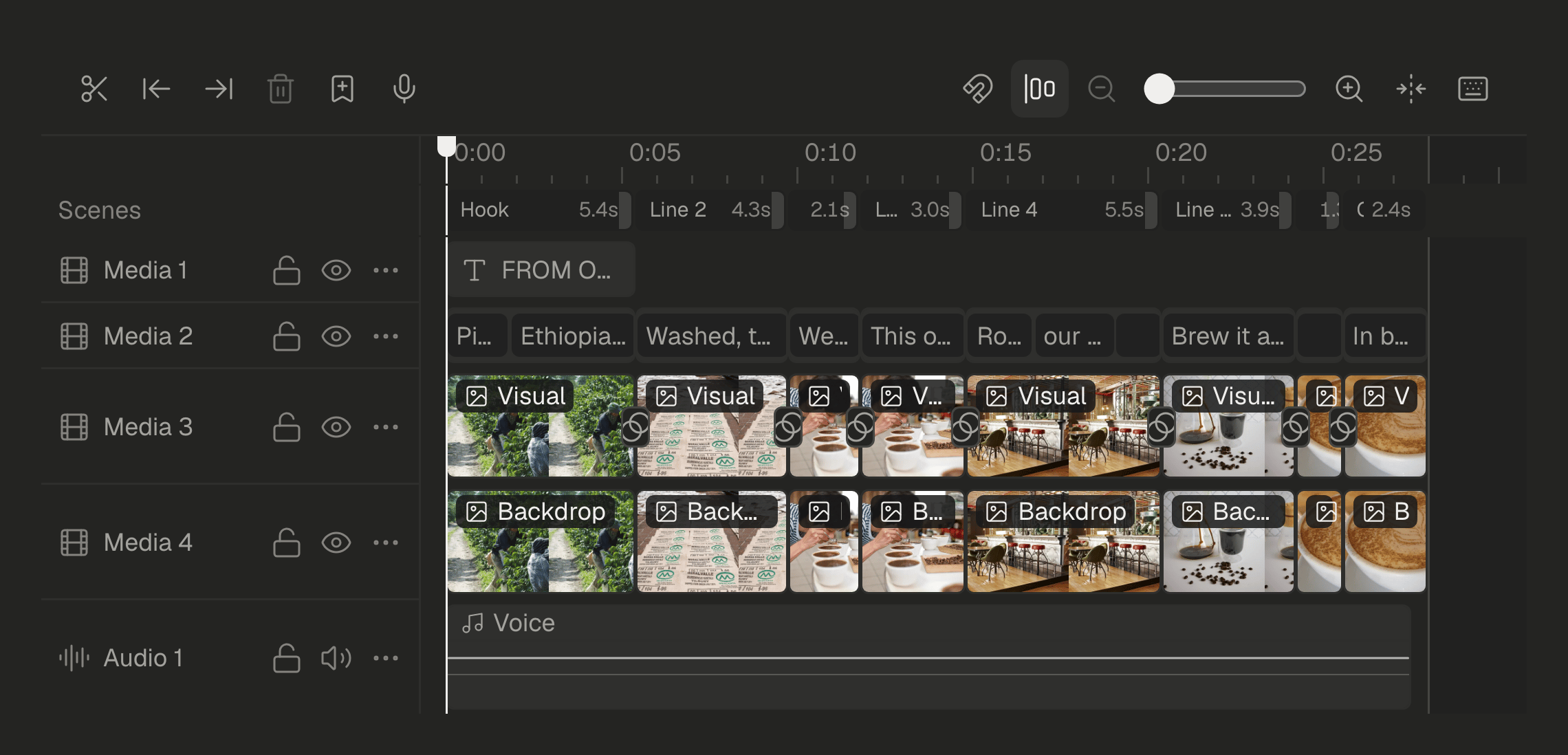
The video opens in Studio with its scenes, captions, voice and tracks, like one made by hand. Your agent reads the same outline and changes one element by name.
A change keeps the rest
Ask for a shorter opening and only the opening moves. If the project changed in Studio in the meantime, nothing is overwritten: your agent reads it again first.
Take over whenever you like
Finish it on the timeline by hand, then hand it back. You and your agent work on the same project.
Ask your favorite agent. SPREVA does the rest.
Connect your agent with one URL. It finds posts and media by name, drafts, schedules and reads results, and SPREVA asks before anything public or costly.
Ask in plain words, and say yes before anything goes public.

Connect the agent you already use.
One address for all of them. Add it to your agent, sign in to SPREVA once and choose a workspace.
https://dev-app.spreva.ai/api/mcpFrom your next idea to a published video.
Join the waitlist and we will email you once, when your account is ready.