See the views your clippers bring
Share one link. The people who clip your streams connect the account they post on, and you see what it brings, by account and by day.
How it works
You set it up once. After that, every account that joins appears on its own.
Share your link
Choose the words an account's name must contain, such as ARROZ, and share your link in your Discord, your bio or a panel on your channel.
They associate their account
A clipper connects the YouTube, TikTok or Instagram account they post on and associates it with you. If its name contains one of your words, it joins at once. You can also approve each account yourself.
You see the numbers
Views per account and per day, every post an account has made since it joined, and each account's views as a CSV.
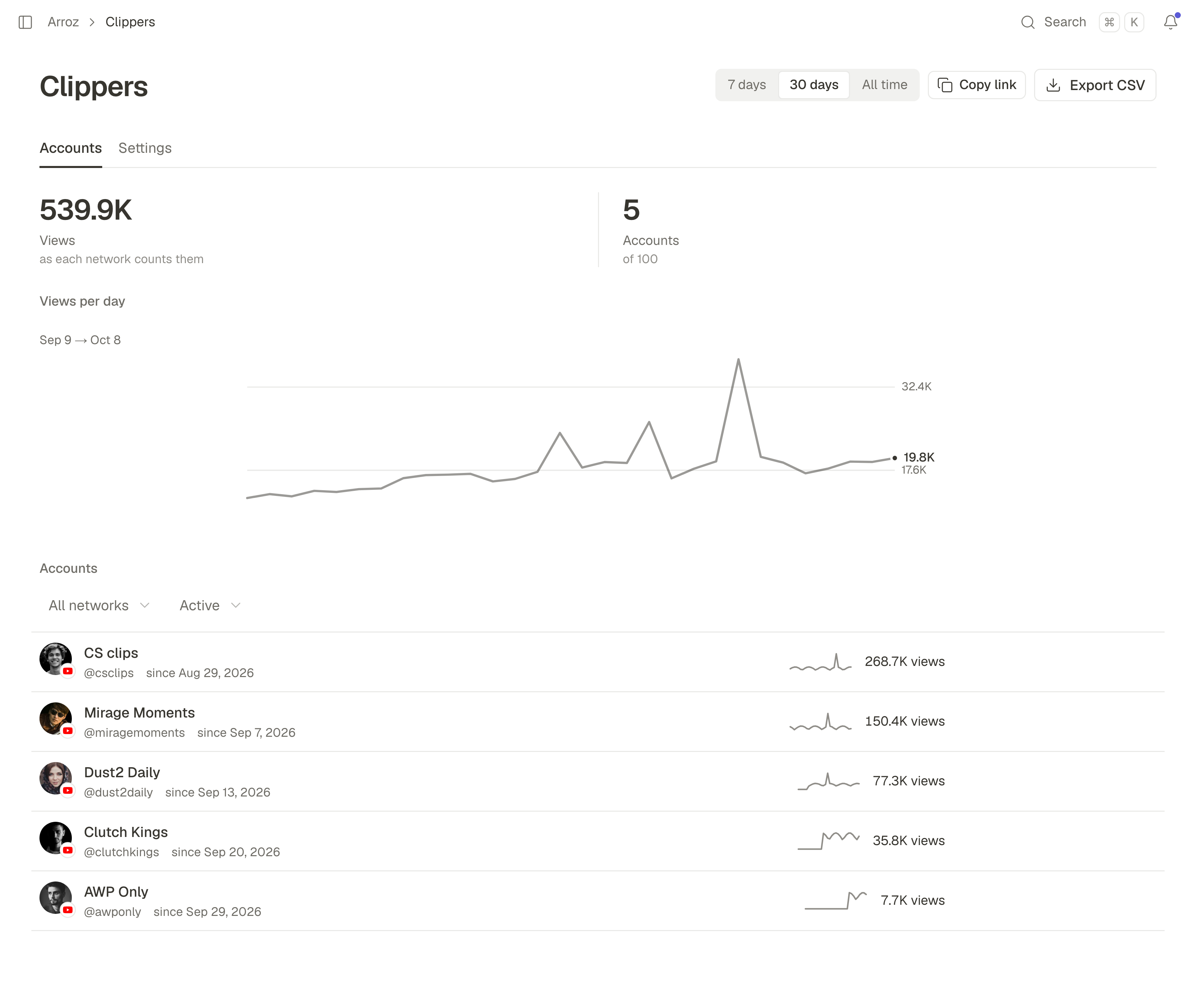
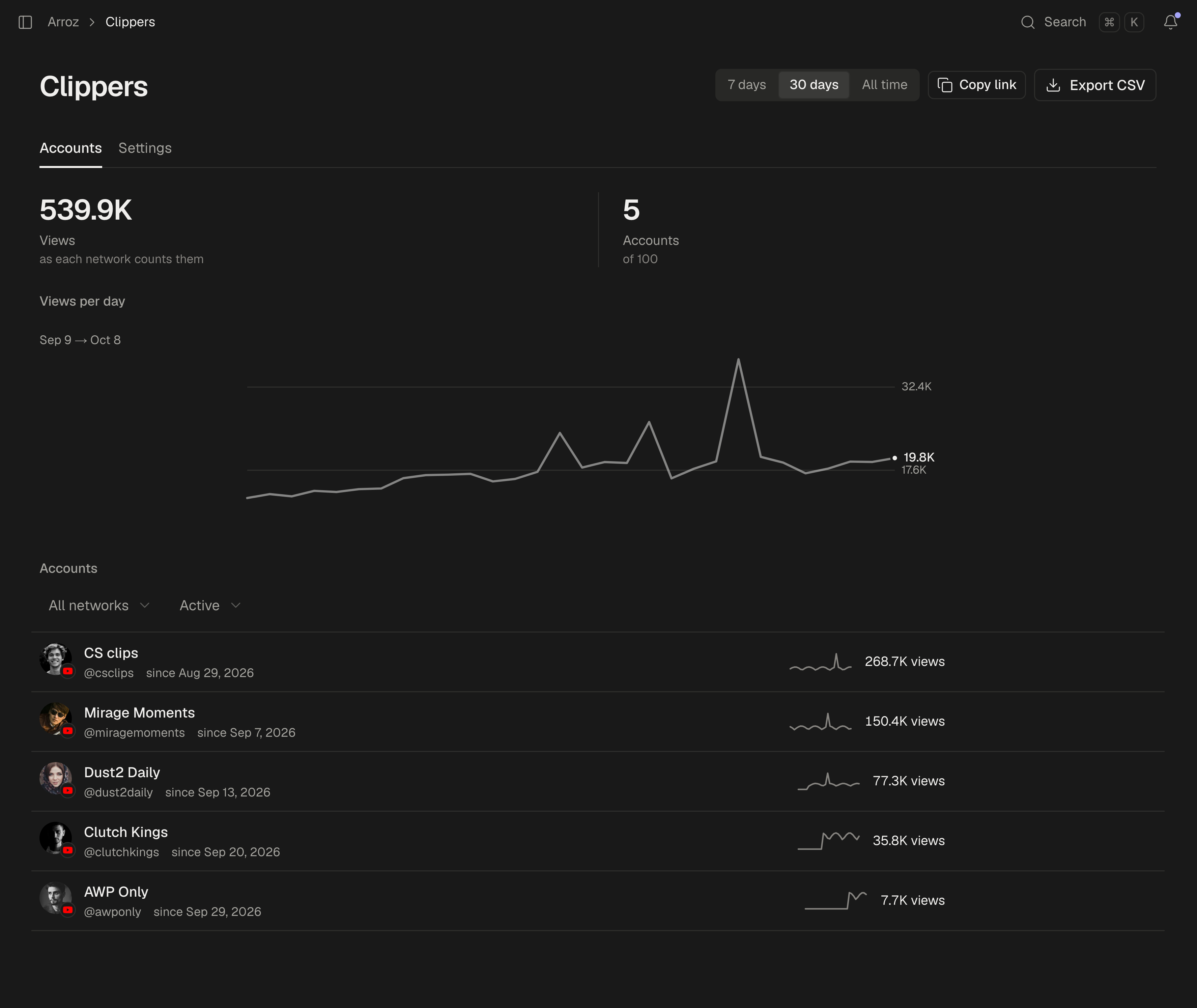
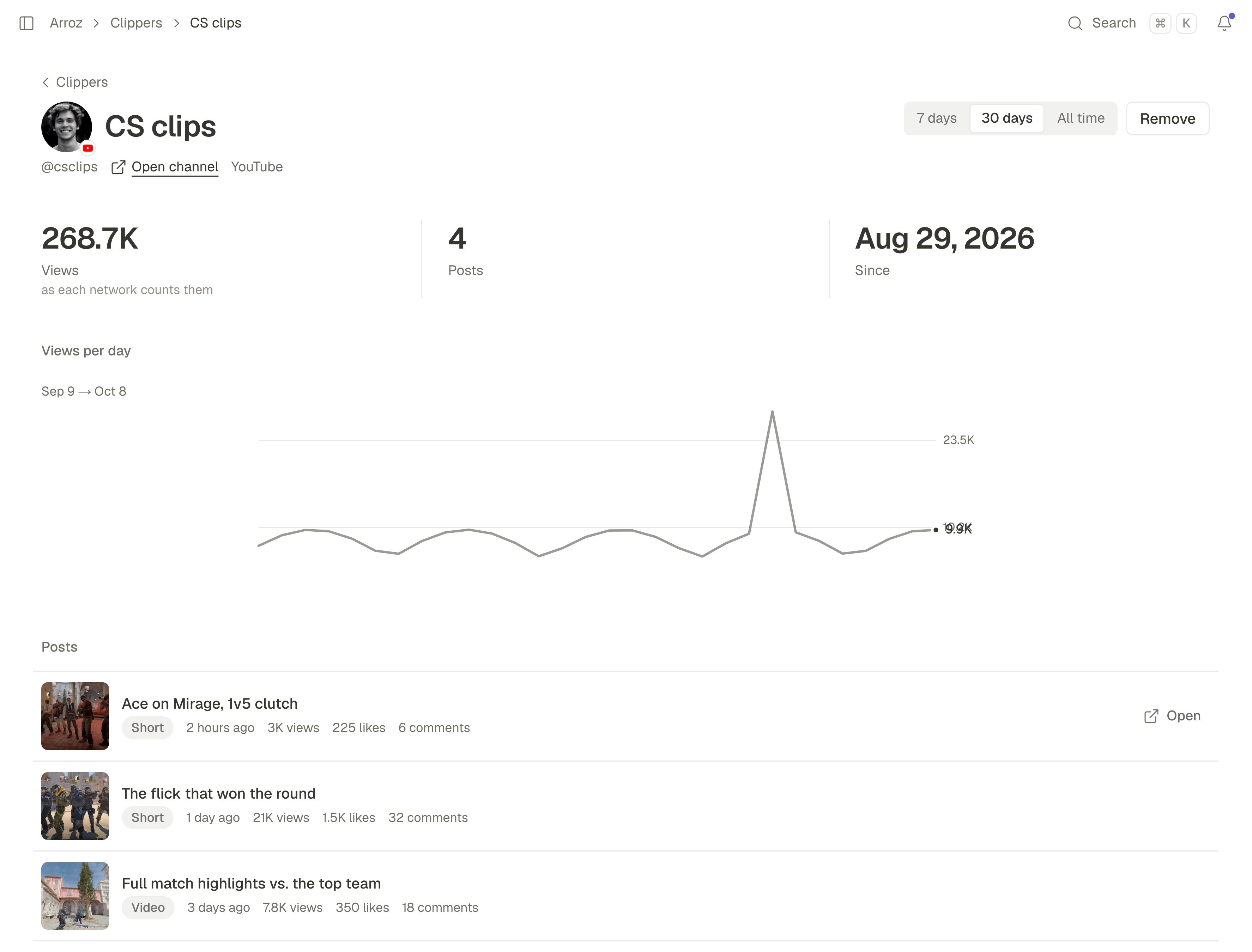
Every account, post by post.
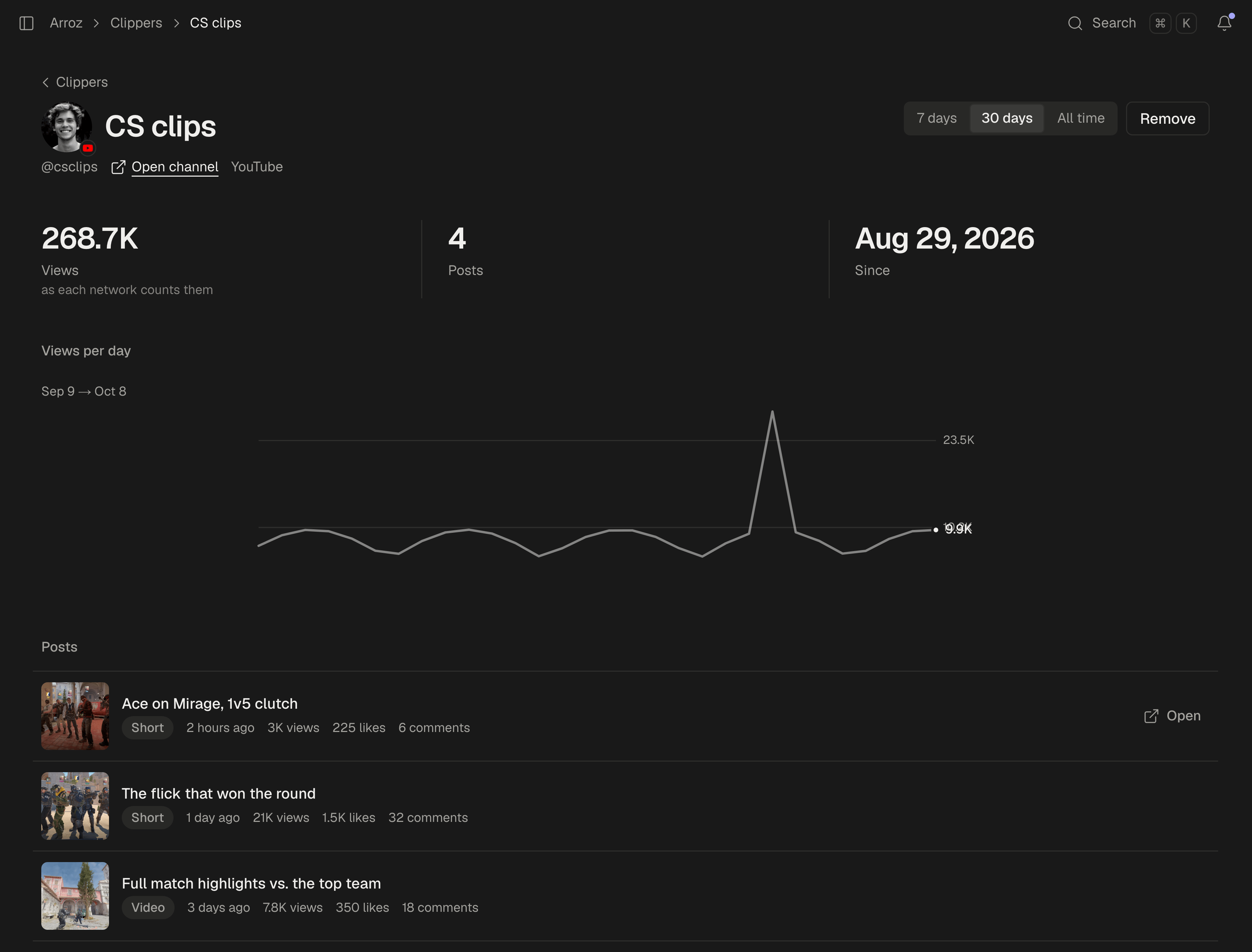
Open an account to see what it brought: its views per day, and each post since it joined with its views, likes and comments as the network reports them. If an account does not belong with your clippers, remove it from the same page.
For the clippers
Joining costs a clipper nothing, and their channel stays theirs.
A free account
An account made through your link costs a clipper nothing and connects the accounts they post on. Publishing and the Studio need a plan of their own.
The channel stays theirs
SPREVA never posts on a clipper's account for you. You see its numbers and its posts, and nothing more.
They can leave at any time
A clipper takes an account out of your clippers from its page in SPREVA, and you stop seeing its numbers.
One streamer per account
An account counts for one streamer at a time, so the same views are never counted twice.
On your own pages
Everything on the Clippers page is in SPREVA's API too, so your own site or tools can list your clippers, rank them or check their posts. Your API key stays on your server.
- REST API
/api/v1/clippersThe accounts, each one's posts and the stats behind the page. Approve, decline or remove an account. - Webhooks
clipper.joinedclipper.leftclipper.posts.refreshedHear when an account joins, leaves or has new numbers, so your page never has to ask. - MCP tools
list_clippersclipper_postsAsk Claude or ChatGPT how your clippers did this week, or which clip did best.
What it does not do
- SPREVA does not pay your clippers and takes no cut of what you pay them.
- SPREVA takes no licence on a clipper's videos. They stay theirs.
- Views are shown as each network counts them. Instagram's can be up to two days behind.
- YouTube, TikTok and Instagram professional accounts are counted. Clips posted on X or Kick are not.
Included in every plan: 5 accounts on Starter, 25 on Pro, 100 on Business.
See plans