How to post to Instagram from your computer, and schedule it
The photos are on the laptop, edited and named. Instagram still feels like a phone app, and moving the files to a phone is the step everyone hates. You do not have to: from a browser on your computer you can post, and schedule, everything Instagram lets apps publish. This is how, format by format.

Rodolfo MotaFounder of SPREVA
The short answer
Yes. Instagram's website lets you post from a computer, one post at a time. To schedule it, keep a queue, or send the same post to other networks, connect your professional account to SPREVA: from any browser you can publish feed posts, carousels of up to 10, Reels and Stories, now or at a time you choose.
Connect a professional account
There are two ways in, and both publish the same posts:
- With Instagram's own sign-in, for a professional account with no Facebook Page. Each sign-in adds one account.
- Through Facebook, for an account linked to a Facebook Page. Every Page with an Instagram account appears.
No app can post to a personal account: Instagram only lets apps publish to Business and Creator accounts. Switching is free in Instagram's settings.
The files stay where they are
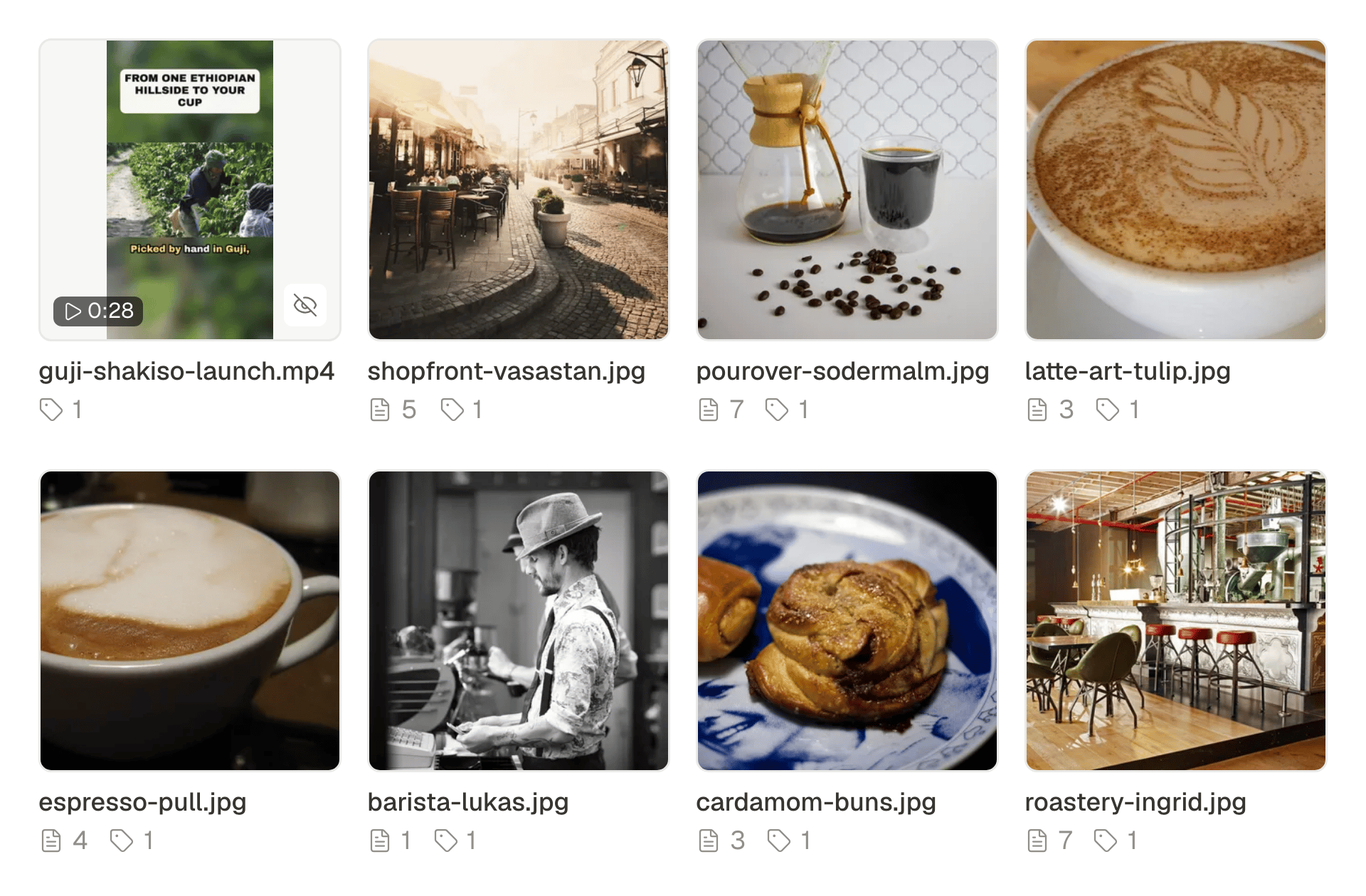
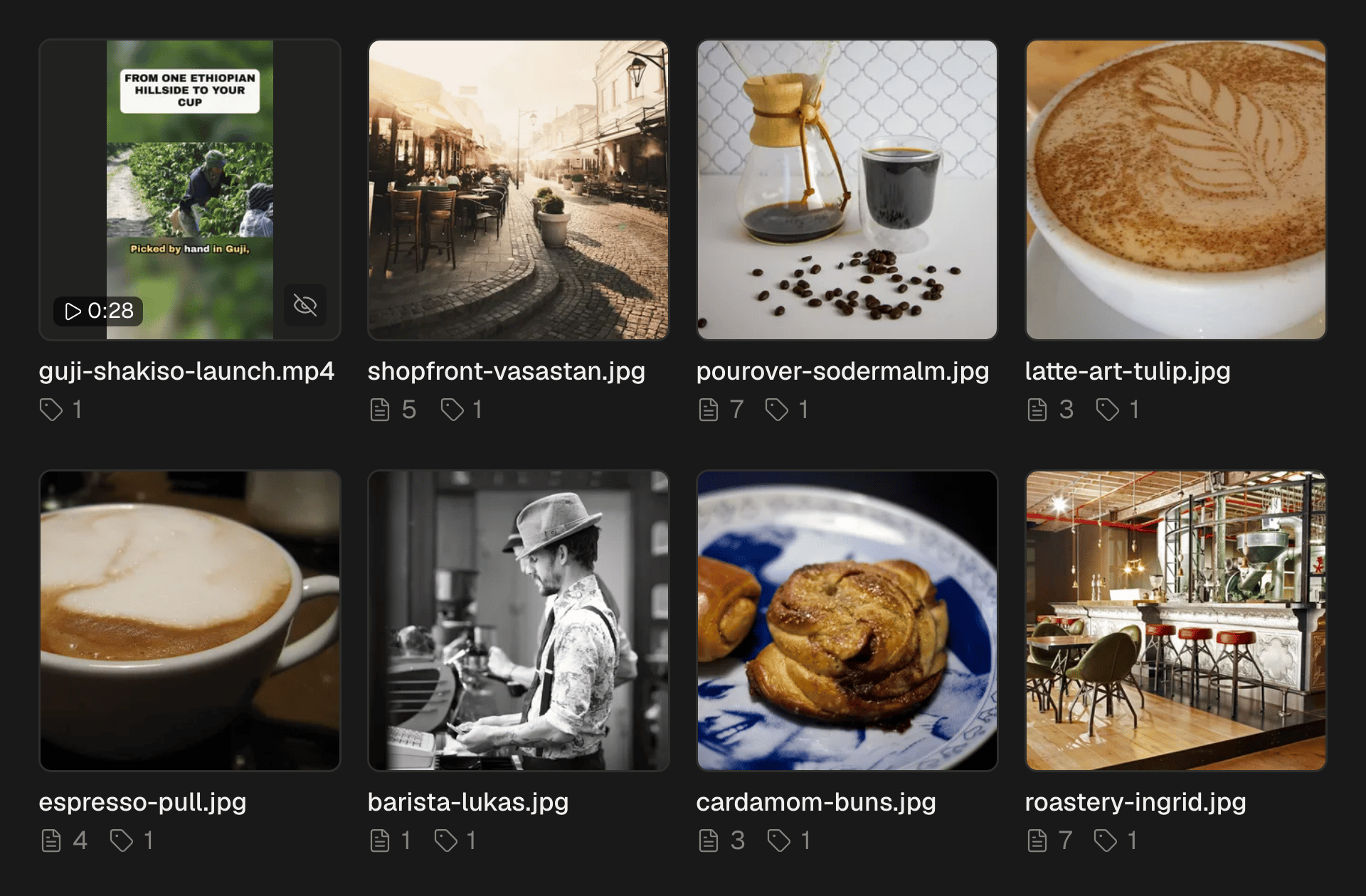
Drag photos and videos into the post, or into the media library, where a whole folder can be dropped at once and every file is described as it arrives. Videos can be up to 1 GB. Photos from an iPhone in HEIC need exporting as JPEG first. SPREVA sends each picture to Instagram as a JPEG of the size it takes, so a large file from a camera still goes out.
Every Instagram format, from a computer
| Format | What it is | Worth knowing |
|---|---|---|
| Feed post | One photo, or one video, which Instagram shows as a Reel | A caption of up to 2,200 characters |
| Carousel | Up to 10 photos and videos, mixed | Each file is checked before it goes |
| Reel | One video, from 3 seconds to 15 minutes | Best in 9:16; you choose its cover frame |
| Story | One photo or video, without a caption | Gone after 24 hours |
Posting it, step by step
- 1
Press New in the sidebar, choose Post, then Image Post, Video Post or Story Post.
- 2
Pick your Instagram account. For a video, choose Feed or Reel in the account's row.
- 3
Add the files and write the caption. To keep hashtags out of it, put them in the First comment.
- 4
For a Reel, set the Cover frame, in seconds into the video.
- 5
Check the preview, then Publish now, Schedule it, or Add to queue.
What the preview tells you
The preview shows the post the way Instagram will: a Reel or a Story in 9:16, a feed post as a square, and the caption cut at about 125 characters with “more”. That cut is where people decide whether to read on, so put the line that matters before it.
What SPREVA checks, and what to add in Instagram
Before anything goes out, SPREVA checks what would make Instagram refuse it:
- Photos of up to 8 MB and videos of up to 1 GB.
- A Reel between 3 seconds and 15 minutes, with a warning when it is not 9:16.
- A Story without a caption: anything you wrote stays with the post in SPREVA as a note.
SPREVA does not send collaborators, a location, tagged people or alt text to Instagram yet. Instagram lets you add a location, tagged people and alt text by editing the post once it is out.
Post from your computer this week
Connect your professional account, drop this week's photos into the library and schedule them, a Reel and a Story among them. Every plan starts with a 7-day trial.
Questions
Can I post to Instagram from a computer without any tool?
Yes, on Instagram's website. To schedule a post, keep a queue or send the same post to other networks, connect the account to a tool such as SPREVA.
Does it work on a Mac and on Windows?
Yes. SPREVA runs in the browser, so any computer with a recent browser works, and so does a phone.
Can I post to a personal Instagram account from my computer?
Not through any app: Instagram lets apps publish only to professional accounts. Switching is free in Instagram's settings.
Is there a limit to how many posts I can schedule a day?
Instagram limits how many posts an app can publish for one account in a day. SPREVA keeps count, and if a busy day reaches the limit, it pauses and sends the rest shortly after.
Written by
Rodolfo Mota
Founder of SPREVA
Makes SPREVA in Portugal: the Studio, the tools an agent works with, and the publishing behind them.
Keep reading
- Can you schedule an Instagram Story? Yes, and here is what it leaves outYes, an Instagram Story can be scheduled. How to do it in SPREVA, what goes out with it, what stays behind (stickers, a caption) and the numbers you get after.
- A media library that knows what is in itFolders and file names stop working at about a hundred files. What SPREVA does instead: every upload described and tagged as it arrives, videos transcribed, alt text suggested, and a search that understands “the window at dusk”.
- Character limits for every social network in 2026Instagram 2,200, LinkedIn 3,000, X 280, Threads 500, Bluesky 300: the text limit of every network SPREVA publishes to, in two tables, and how each one counts.