Can you schedule an Instagram Story? Yes, and here is what it leaves out
Ana wants the bakery's market-day Story up at 8am on Saturday, when she is already behind the stall. That works. What surprises people is what a scheduled Story cannot carry. This is both, step by step.

Rodolfo MotaFounder of SPREVA
The short answer
Yes. Instagram lets apps publish Stories to professional accounts, so in SPREVA you choose Story Post, pick the account, add one image or video and choose a time or a queue. It goes out on its own at that time. What it cannot carry is anything you would add inside the Instagram app: link stickers, polls, questions, music or text placed on top. A Story built around one of those is still one to post from your phone.
What you need
Three things, once:
- A professional account. Instagram lets apps publish only to Business and Creator accounts, and switching a personal account is free in Instagram's settings.
- The account connected to SPREVA. Through Instagram's own sign-in, with no Facebook Page needed, or through Facebook if the account is linked to a Page. Both publish Stories.
- One vertical picture or video. A Story fills a 9:16 screen, so a file of 1080 by 1920 pixels shows without bars.
Scheduling it, step by step
- 1
Press New in the sidebar, choose Post, then Story Post: one image or video, gone in 24 hours.
- 2
Under Where to post, SPREVA lists only the accounts that can take a Story. Pick one, or several.
- 3
Add the picture or the video, from your computer or from your library. A Story is one file.
- 4
Leave the text empty. A Story goes out without a caption, so anything you write stays with the post in SPREVA, as a note for your team.
- 5
Choose when: Publish now, Schedule for a day and time, or Add to queue to take the next free time of one of your queues.
For a series, say five Stories through a launch day, make five Story posts and give each its own time. Each Story is a post of its own, so each can be moved, approved or deleted without touching the others.
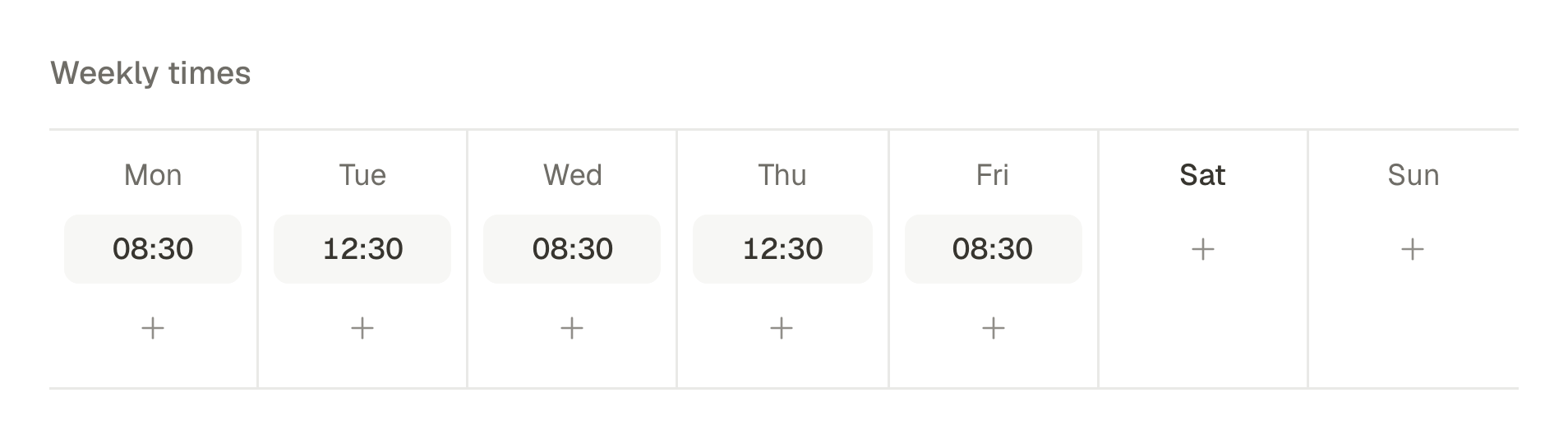
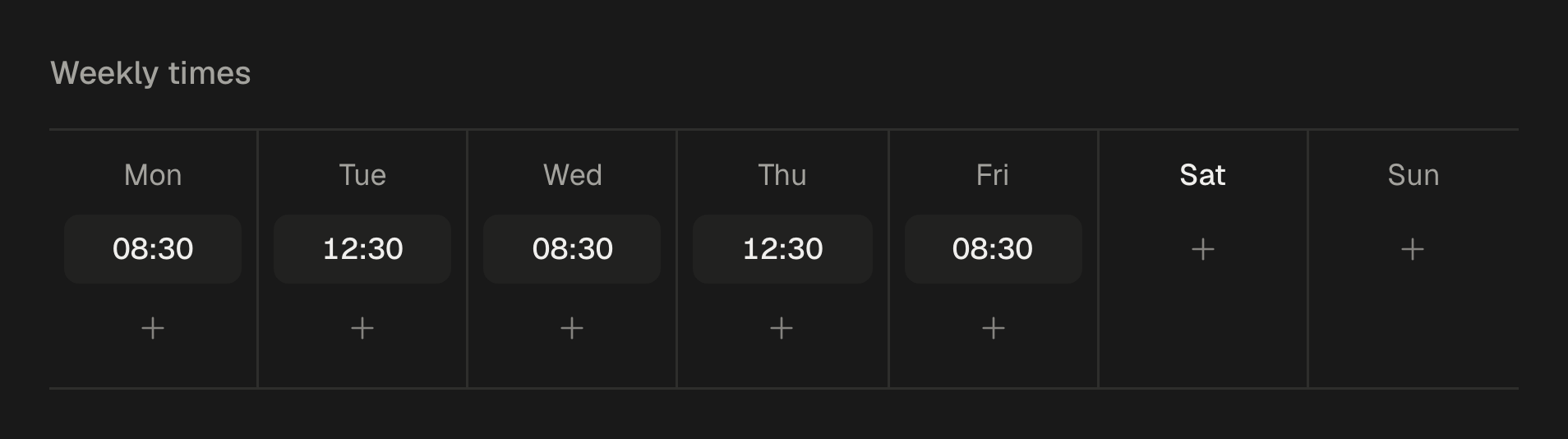
What a scheduled Story leaves out
Everything here is added inside the Instagram app, and Instagram does not let any app add it for you:
- Stickers: the link sticker, polls, questions, quizzes and countdowns.
- Music from Instagram's library.
- Text and drawings placed on top. Put the words in the picture before you upload it, or make the Story a short video in Studio, where the captions are part of the video.
- A location and collaborators. SPREVA warns you and leaves them out, rather than failing the Story.
So the useful split is this. Stories that are a picture or a clip with their words already in them (the new menu, the opening hours, the launch date) go in the schedule. Stories built around a sticker (a poll on Friday's flavour, a link to the shop) are for your phone.
The numbers, in the first day
A Story's numbers come back into SPREVA like any post's: views, reach, replies, shares and interactions. SPREVA reads them an hour after the Story goes out, and again at six hours.
Instagram gives apps a Story's numbers only while it is live, about a day. So the last reading SPREVA can take is from that first day, and it stays with the post after the Story is gone from Instagram.
From your AI agent
With an AI agent connected to SPREVA, a Story is one sentence:
Post the photo of our market stall from my library as an Instagram Story on the bakery's account, this Saturday at 8am.
The agent finds the photo by what it shows, makes a Story post for that account and schedules it. Scheduling an hour or more ahead goes through without asking; publishing now asks you first. Connect your agent.
Schedule this week's Stories
Connect your Instagram account, make one Story Post for each day of the week and give each its time, or add them to a queue. Every plan starts with a 7-day trial.
Questions
Can I schedule a Story on a personal Instagram account?
No. Instagram lets apps publish only to professional accounts, Business or Creator. Switching is free in Instagram's settings, and a professional account no longer needs a Facebook Page.
Can a scheduled Story have a link?
Not as a sticker: Instagram does not let apps add one. If the Story needs a tappable link, post it from the Instagram app.
Can I schedule several Stories in a row?
Yes, one Story post each, at its own time or through a queue. They appear in the order they go out.
Can the same picture go to my feed and to my Stories?
Yes, as two posts: an Image Post for the feed and a Story Post for Stories, each with its own time.
Do Stories go through client approval?
Like any post. With approval required in the workspace, a Story is sent for review and goes out only once it is approved. How approval works.
Written by
Rodolfo Mota
Founder of SPREVA
Makes SPREVA in Portugal: the Studio, the tools an agent works with, and the publishing behind them.
Keep reading
- How to turn photos into a Reel with a voice-over and captionsTurn a few photos into a vertical Reel with an AI voice-over and captions timed to every word, change it by asking, and schedule it to Instagram, TikTok and YouTube Shorts. Step by step, in the app or from ChatGPT or Claude.
- How to adapt one post for Instagram, LinkedIn and XWrite one post and adapt it for Instagram, LinkedIn, X, Bluesky and Threads without rewriting it every time: a caption per network, each network's limits checked before it goes out, and scheduling on every account at once.
- One post from draft to feed: a client approval workflow, step by stepOne bakery post followed from the draft to the morning it goes out: who does what, what the client sees, and what happens when the answer is not yes.